
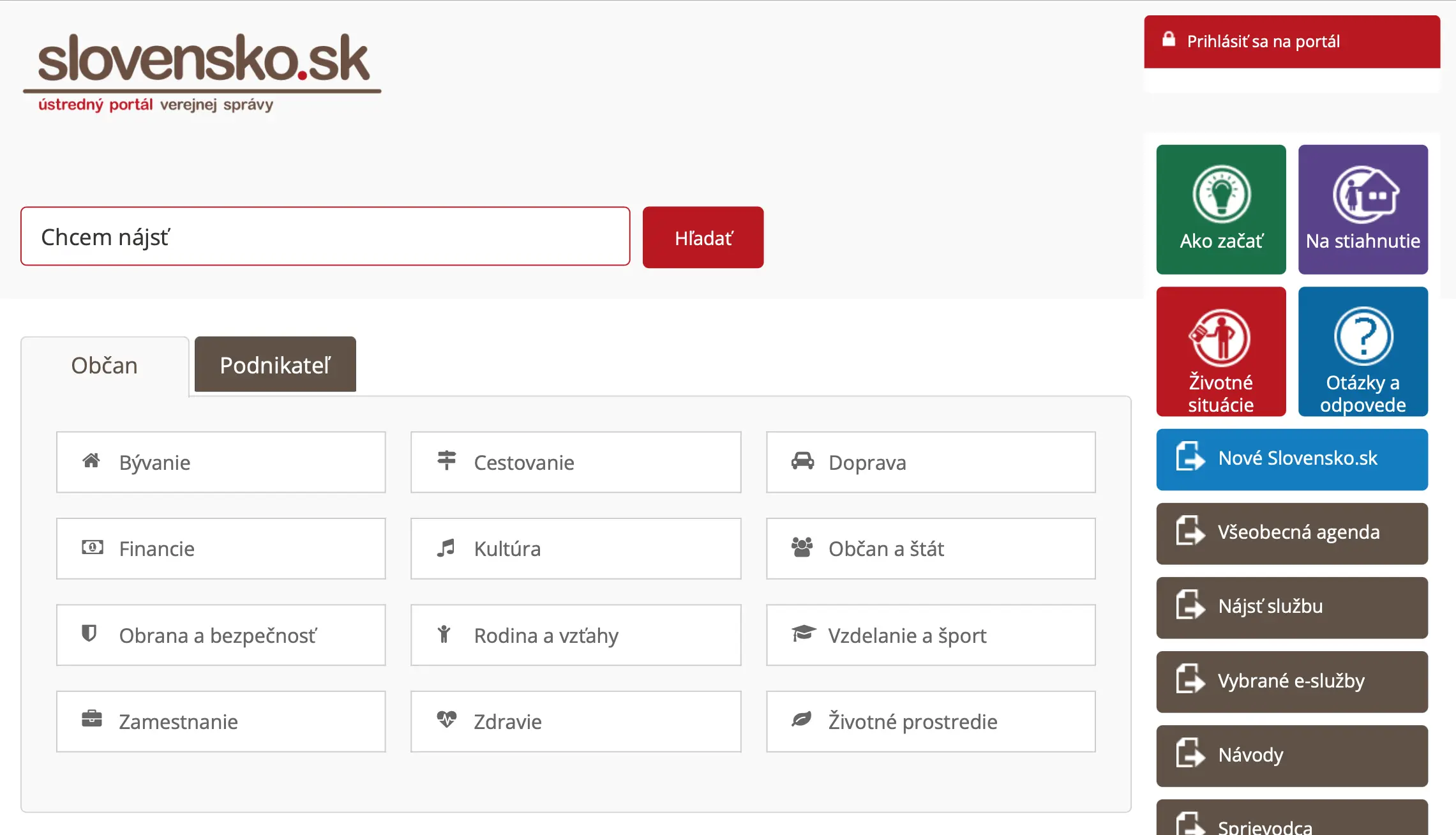
Slovensko.sk is the official public administration portal of Slovakia. It serves as a platform where users can submit applications, receive official responses, and interact with authorities online. Registration and login to the portal are required for convenient access to these services using a residence card or identity card with a chip.
By using the portal, you will be able to:
- Submit applications for permits, certificates, and other documents without visiting the office.
- Receive notifications and decisions from authorities directly in your personal electronic mailbox.
- Monitor the status of submitted requests online.
- Speed up document processing and avoid mistakes when filling in forms, as the system highlights missing fields and incorrect data.
- Receive all official messages in one place, ensuring important deadlines and requirements are not missed.
What you need for registration:
- Electronic identity card with a chip (residence permit card for foreigners).
- Personal security code (BOK), which is issued together with the card at the Foreigners' Police department (cudzinecká polícia). For more details on how to obtain the BOK code, see our guide.
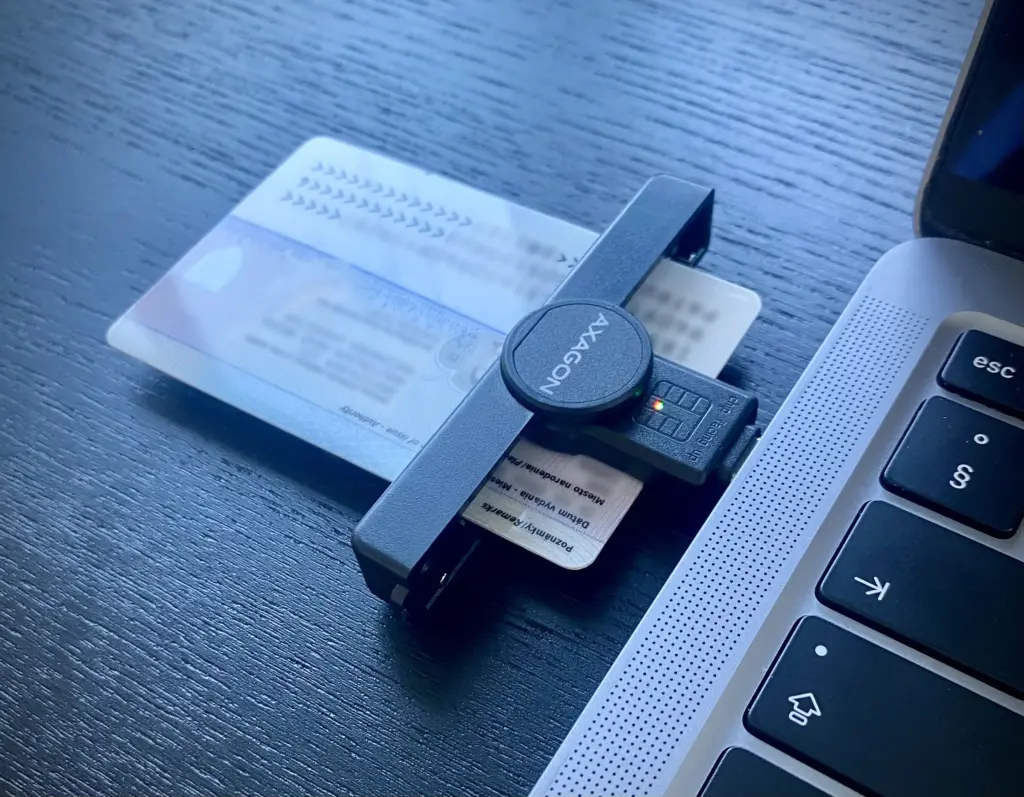
- Computer with a USB identity card reader.
- Installed eID client application (we recommend installing the full software package for your operating system, download links here).
Step-by-step registration and login instructions:
Step 1: Install the eID Klient application
- Visit the official Slovensko.sk website in the downloads section.
- Download the eID klient software suitable for your operating system.
- Install the program and restart your computer if necessary to ensure the application works correctly.
- At the end of the installation, the program will offer to install the Disig Web Signer — it is an integral part of the software package and will be required later for signing documents. We recommend agreeing to the installation.
Step 2: Preparation for Login
- Connect the USB reader to your computer.
- Insert the card with the chip into the device.
- Launch the eID klient application.
Step 3: Log in to the Slovensko.sk portal
- Go to the official Slovensko.sk website.
- Click the "Prihlásiť sa na portál" button in the upper right corner.
- Select "Prihlásiť sa pomocou slovenského dokladu" (Log in using Slovak document).
- For the first login, select "Card reader connected to your computer."
- The system will automatically prompt you to authenticate with the eID program.
- In the window that appears, enter the BOK (personal security code) that you received with your card or follow the guide in the police office.
Step 4: Successful login and activation
After verifying the data, you will enter your personal account on the portal.
Go to the "Elektronická schránka" section — this is your special electronic mailbox (hereafter referred to as the mailbox) for communication with government authorities, but until you activate it, most correspondence will still be delivered in paper form.
To fully use the portal, we recommend activating the Doručovanie do schránky function. To do this, click on the banner in your mailbox; an application will be automatically generated, which you will confirm by entering the BOK code.
Only after activation will your mailbox become a full-fledged and main resource for communication with Slovak government authorities, where all important letters and notifications will be sent.
From the moment you activate the mailbox, the delivery fiction applies: a document is considered delivered even if you have not opened or read it. A message marked for personal delivery (do vlastných rúk) is considered delivered when you confirm the electronic delivery receipt, or when the 15-day storage period — counted from the day after the message arrives in the mailbox — expires, whichever comes first. An ordinary message without this marking is considered delivered on the day immediately following its arrival (Section 32 of Act No. 305/2013 Coll., the e-Government Act).
Main sections and features of the portal:
- Elektronická schránka — your official electronic mailbox for receiving messages and documents from the authorities.
- Profil — your personal data and settings.
- Vybrané e-služby — search and selection from the ten most frequently used electronic services.
- Search bar — here you can quickly find the service you are interested in.
Tips and important points:
- ✓Never share your BOK code with anyone — it is an important personal password.
- ✓If something goes wrong, the portal has a help centre and technical support, and you can find contact details in the Kontakt section.
- ✓To log in, you can use the Slovensko v mobile service or Mobilné eID (MeID) via the eIDENTITA app on your smartphone, but for the first login, you still need your chip card and BOK.
- ✓We recommend setting up email/SMS notifications to immediately learn about new messages on the portal. To do this, go to Schránka — Nastavenia — Nastavenia oznámení, and provide your contact email and phone number.
- ✓In addition to new message notifications, you can enable forwarding messages directly to your email. This does not change the legal moment of delivery — it is still governed by the delivery-fiction rules described above.